RFile – Reductionist’s File Manager
File navigation in easy manner

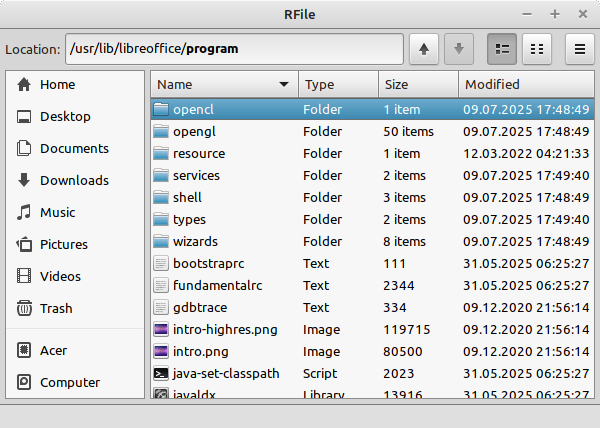
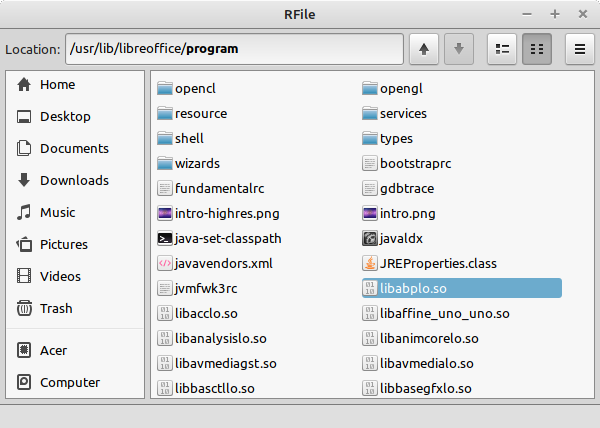
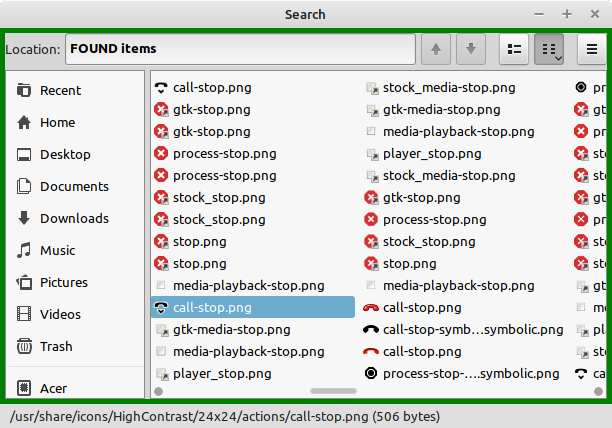
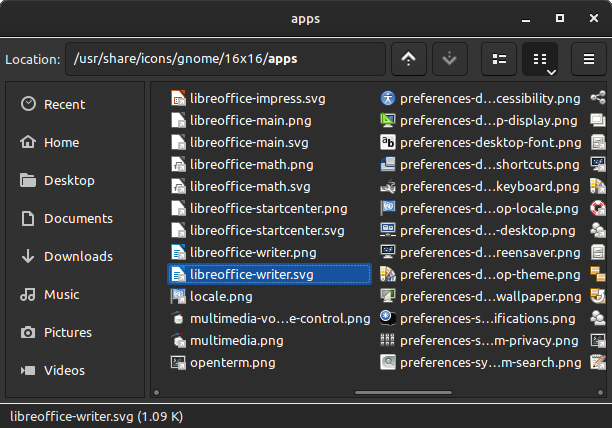

RFile is a file manager that provides a conventional GUI for navigating the file system and supports basic file and folder operations.
RFile began as a by-product of the other project. My original goal was to create a custom file selection dialog because the one provided by the GTK3 toolkit didn’t fully meet my needs. Once the dialog was complete, it made sense to repurpose its core functionality into a standalone file management application.
Beyond standard file manager features, RFile includes several capabilities that are absent from typical programs. For example, it can display and modify extended file attributes – a feature that some users might find valuable.
Initially, the application used GtkIconView for displaying items in the compact mode. Due to limitations in this widget, I replaced it with a custom solution. The compact mode is designed to display as many items as possible without requiring scrolling. On a typical 1920 × 1080 px screen with 10 pt font size, over 300 items fit in the visible area – enough to display the entire contents of the directory /usr/share in its initial state at once.
The program is somewhat experimental in nature, reflecting the various design choices required when writing the code of a non-trivial application. The software developer regularly needs to meet such decisions prioritizing one solution while setting aside others.
The program consists of a single file and runs out of the box.
| Version | Size | OS | Platform |
|---|---|---|---|
| 1.0 | 223,8 K (229 144 bytes) | Linux Mint 17 (Ubuntu 14.04) or later/similar | 32-bit, GTK 3.10/3.24 |
| RFile | |||
| SHA-256: be917b5048ebfc755ce73b4feb782518ae506d3f11822ab34150d8d4b0a18ad3 | |||
| 1.0 | 239,8 K (245 584 bytes) | Linux Mint LMDE 6 (Debian 12) or later/similar | 64-bit, GTK 3.24 |
| RFile | |||
| SHA-256: d225330444f634c8893c2a9800173b5bad38eae452d3d0ce1bedb66d906a49b4 | |||